

The Everything Presence One Board:
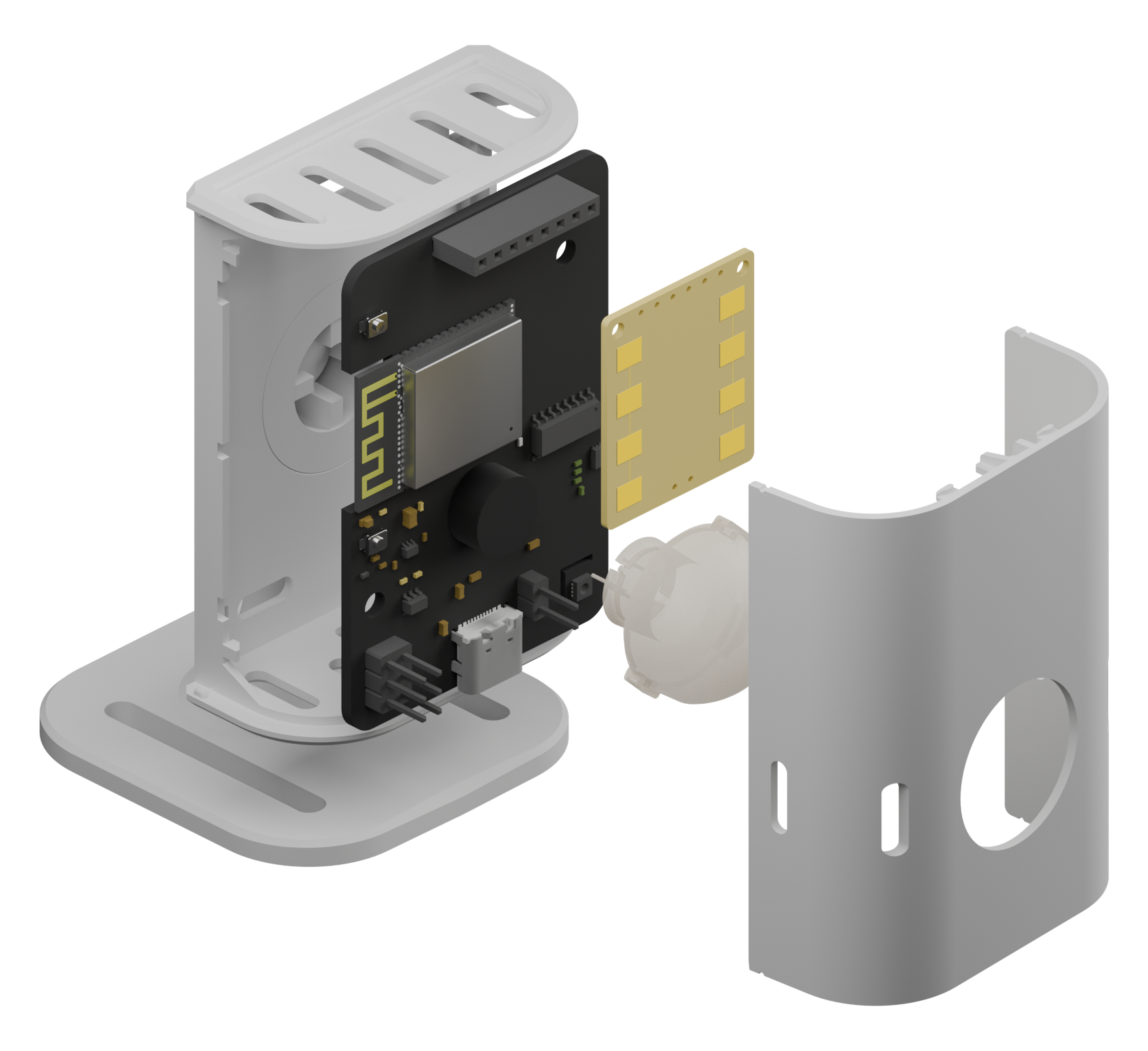
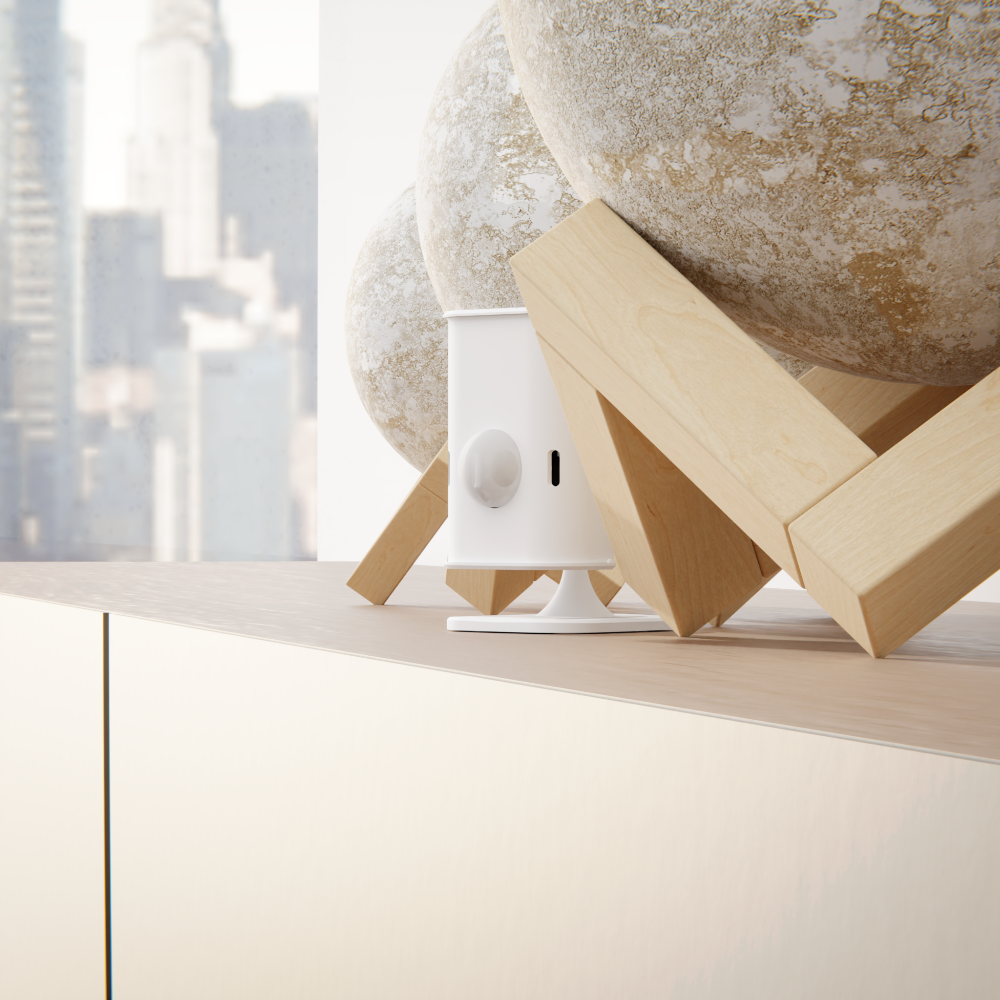
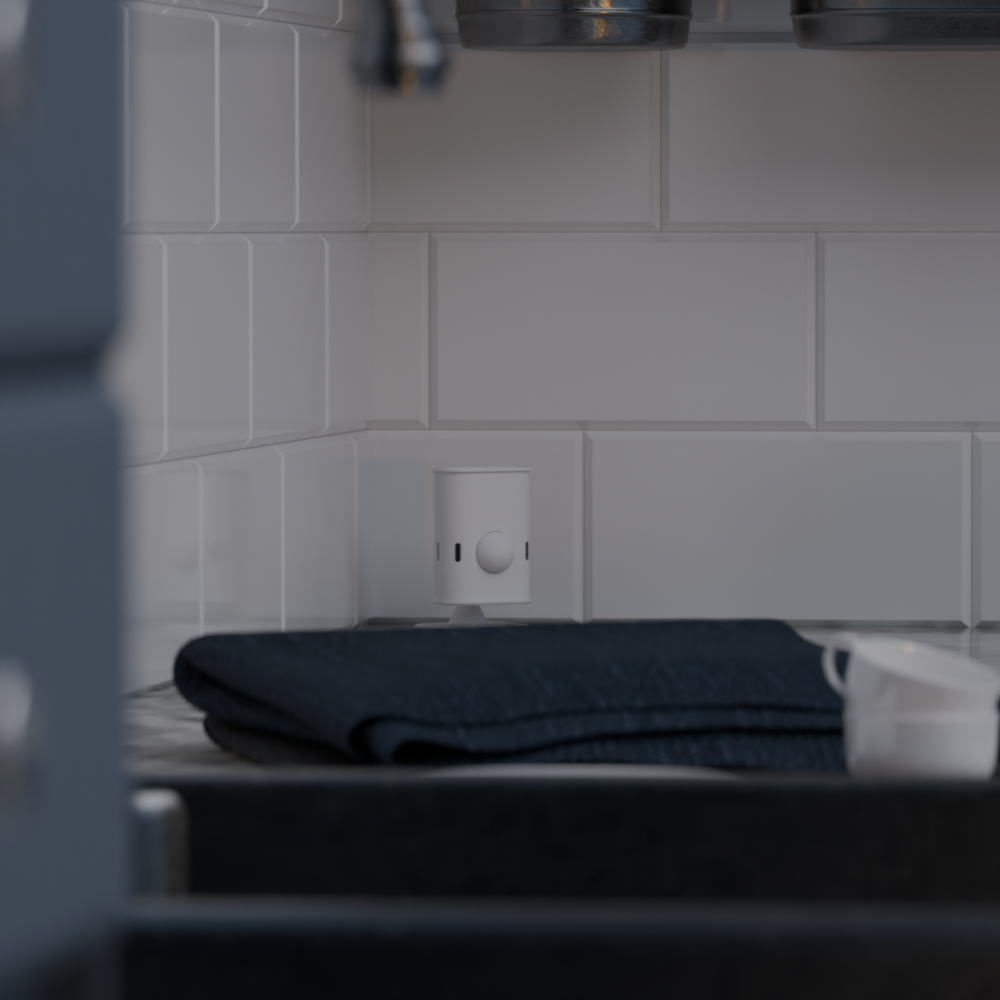
The Everything Presence One board was designed by Lewis and his Dad, David, from scratch to be the sensor Lewis had always wanted in his own smart home (well, within reason!). It combines the reliability and accuracy of mmWave, along with the speed and distance of a PIR motion sensor for the ultimate presence sensor, along with temperature, humidity, ambient light and Bluetooth tracking.
The board was designed for use with the DFRobot 24GHz mmWave module because of it's relatively low price and excellent accuracy. It has a horizontal Field of View (FoV) of 100° and vertical FoV of 40° with up to a huge 25m of detection. Distance, sensitivity and latency is user configurable through Home Assistant.
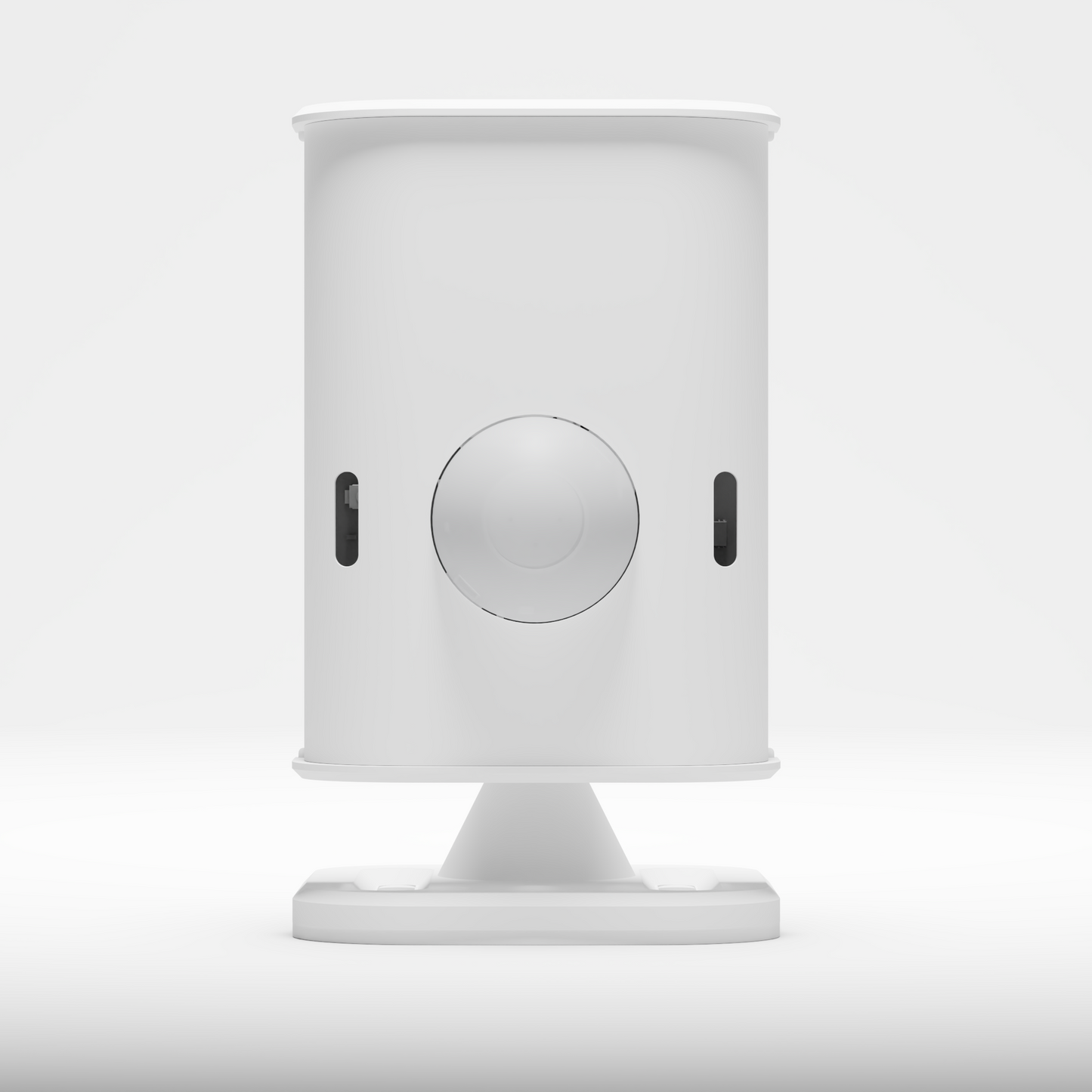
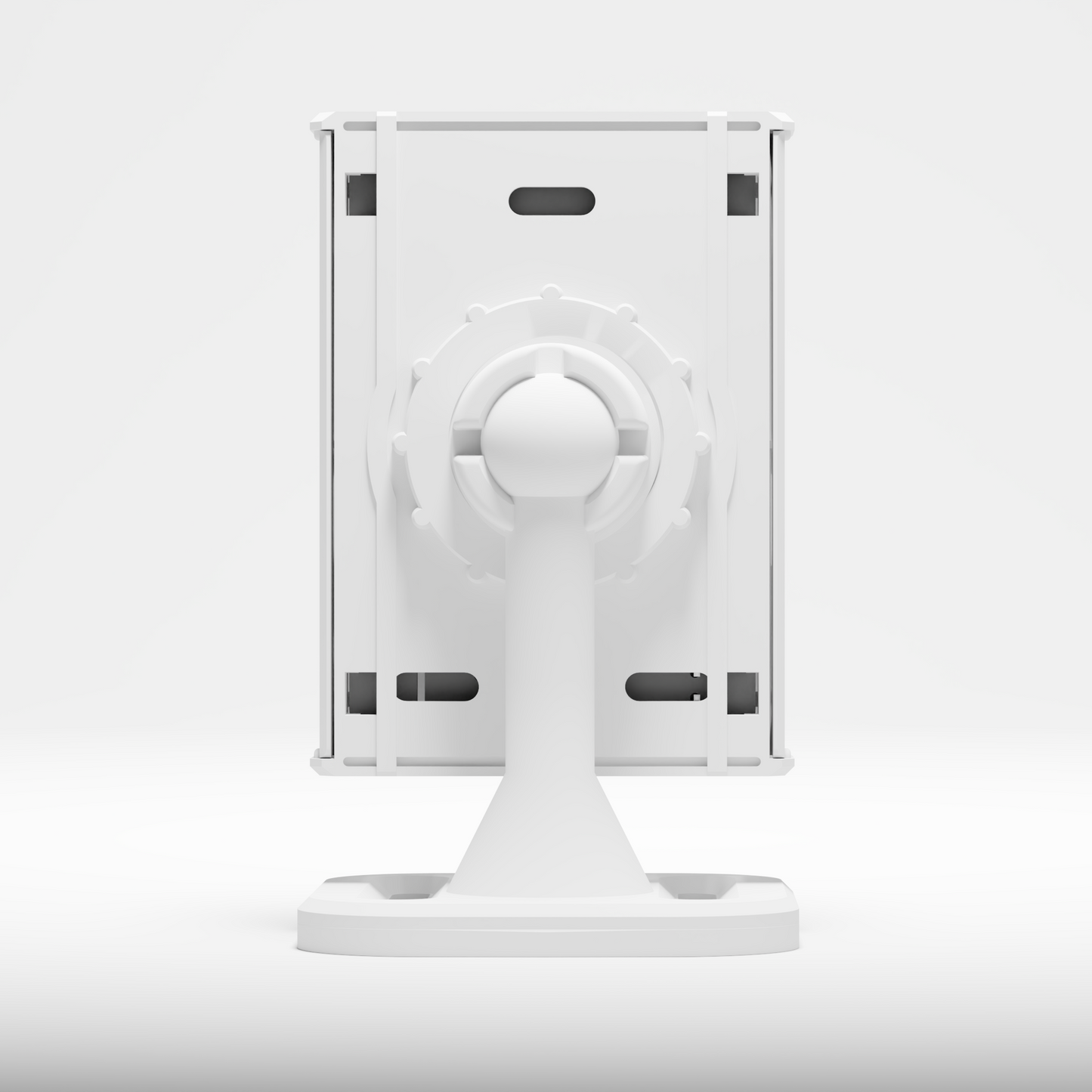
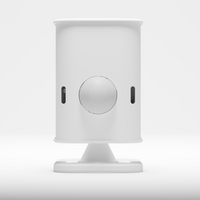
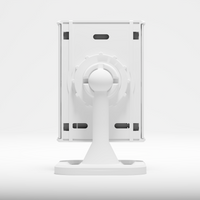
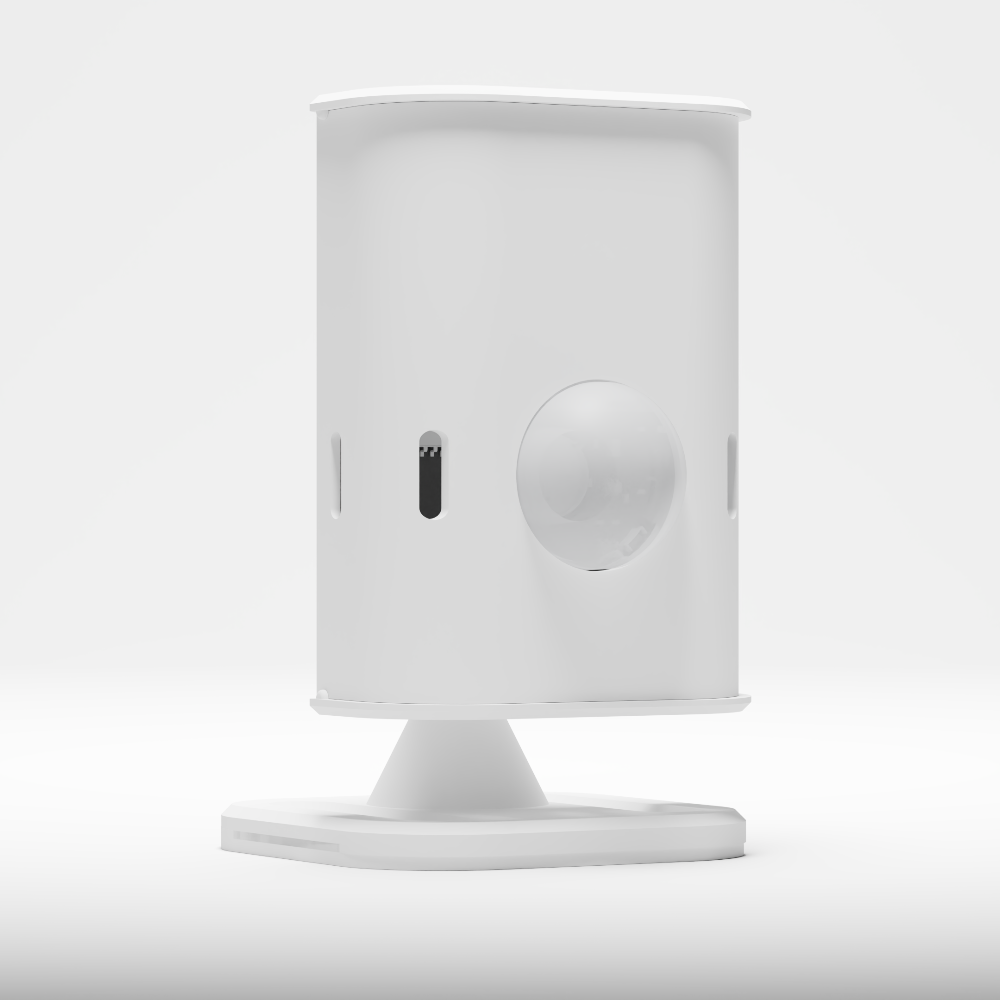
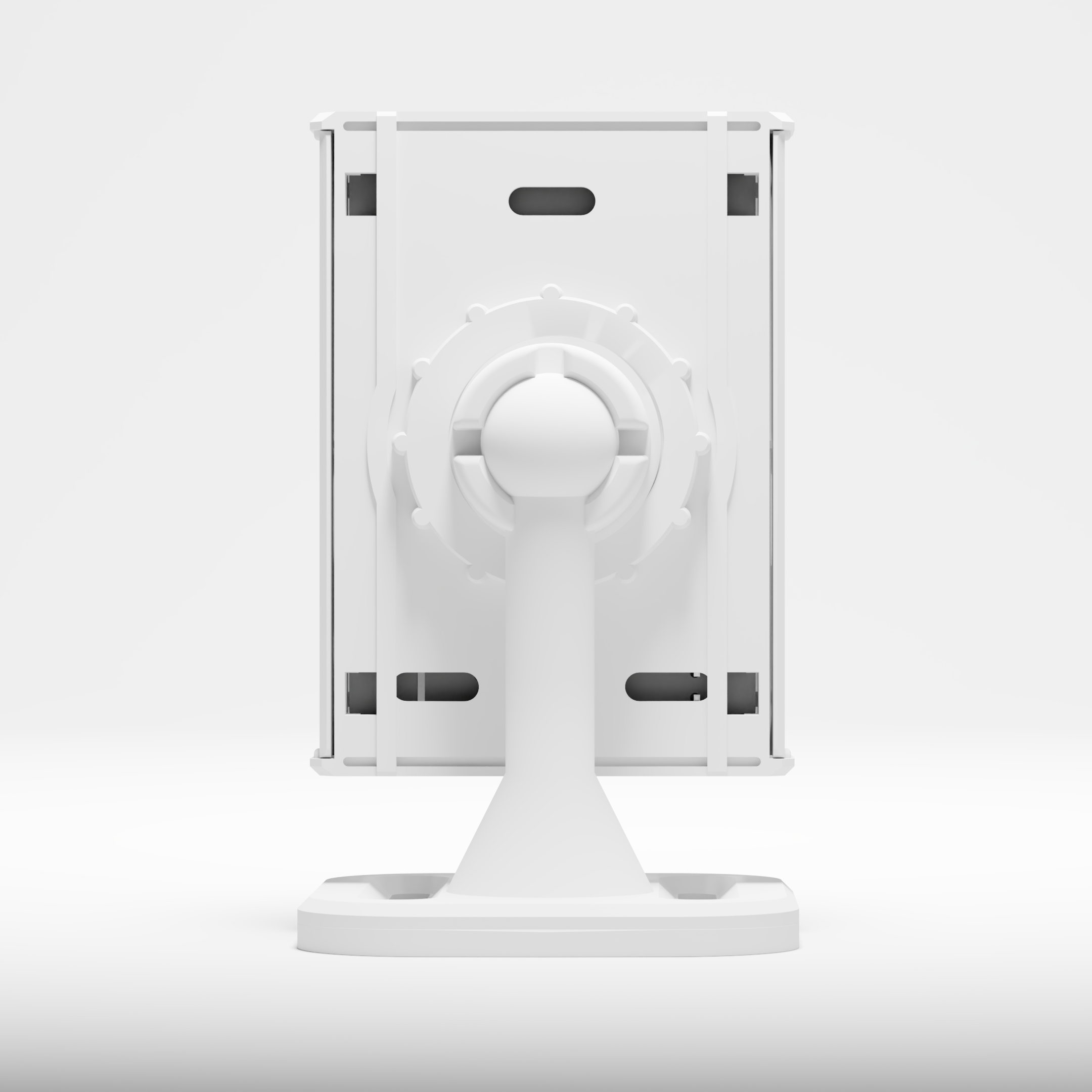
The Panasonic Industrial PIR was selected for it's super reliability, excellent 12m detection distance and high sensitivity. Both mmWave and PIR modules are user removable and replaceable. The mmWave module can be inserted in either the horizontal or vertical position allowing you to select the best angle for your room and environment and the official case allows for flexible mounting and position.
The ESP32 also provides Bluetooth tracking capabilities, along with the brand new Bluetooth Proxy feature in Home Assistant and ESPHome - this allows for extending Home Assistant's Bluetooth range by using remote ESP32's around your house - a function that is a match made in heaven for this board!
Temperature and Humidity is provided by the on-board SHTC3. You can configure how often temperature and humidity data is collected, from as little as every 1 second (though we probably wouldn't recommend that frequently!).
Please note, due to the nature of the temperature sensor being on the same PCB as other heat generating components, readings can be influenced by those components. We have done our best to mitigate this by completely isolating the SHTC3, along with shielding it with a thermal cut-out. This mitigates most of the temperature increase we were seeing during the build but does read roughly 2°c higher than other sensors we tested against (when in the case). To fix this, we add a 2°c offset in the code by default meaning your temperature sensor will read correctly. This offset is user configurable.
We do not see this as an issue, however if you do require a more "accurate" sensor, you may want to consider using the additional GPIO to add an additional temperature sensor. This could also just be a difference in temperature sensors also, but we want to be 100% transparent about this.
The on-board ambient light sensor is provided by the BH1750, which has excellent ESPHome and Arduino IDE support and provides very reliable readings. Ambient light readings can also be collected as frequently as you would like, again from as little as every 1 second.
We have added 4 additional GPIO pins to the board for easy expansion with your own sensors and devices! GPIO18, GPIO19, GPIO21 and GPIO22 are available through on-board headers, along with an additional 5v and ground header.
Power is supplied through either the USB-C port with a 5v, 0.5a wall charger OR we also include a positive and negative terminal on the PCB in case you want to power the device with an alternative power supply. Please note that the device should only be powered by one power source at a time and has a user selectable jumper to protect against this.
The board also has two M3 mounting holes for use with your own mounts.
The Software
Currently, our focus is on delivering the best experience possible out of the box with Home Assistant.
With that in mind, the Everything Presence One will ship with ESPHome pre-installed for simple and direct integration with Home Assistant - connecting this is incredibly easy and takes a matter of minutes. Software will also be available through GitHub to view or modify to suit to your needs.
The USB-C port and on-board USB-to-Serial converter also allows for flashing your own software from Arduino IDE, Tasmota, ESPresence or other similar community projects.
More Information
If you would like to see a DIY version of this sensor in action, check out this video:
https://youtu.be/Viqvx7hMMJs